A Practical Guide to 2023 Planner KDP Interiors Files
If you're creating planners, journals, or workbooks for KDP this year, you know the interior layout is everything. It’s the functional heart of the product. The 2023 Planner KDP Interiors collection isn't a single font; it’s a complete, tested package of digital files designed specifically for Kindle Direct Publishing. Think of it as a robust toolkit, pre-formatted and ready to go, saving you hours of meticulous design and testing work.
The visual style of these interiors leans towards clean, organized, and highly functional. The typography used within the layouts is typically modern and clear—often a blend of sans serif fonts for headings and a readable serif or sans serif for body text. The overall personality is professional yet approachable, structured but not rigid. It’s designed to look premium without being overly ornate, ensuring the planner feels useful and easy to navigate, which is exactly what customers are looking for.
What You Actually Receive in the Package
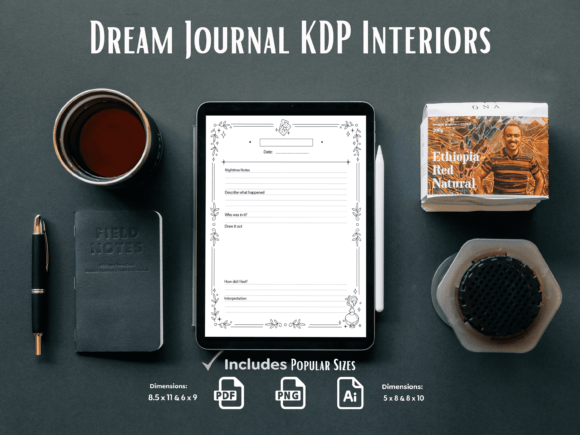
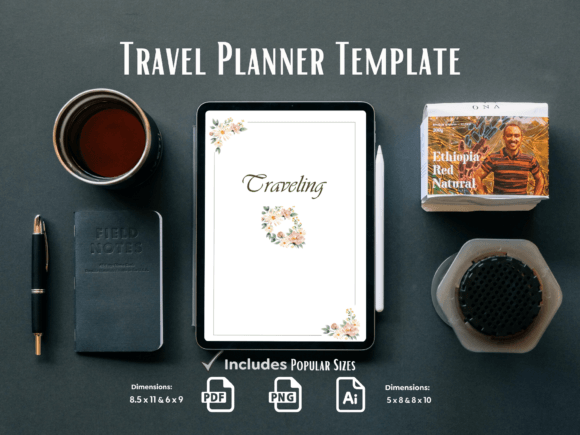
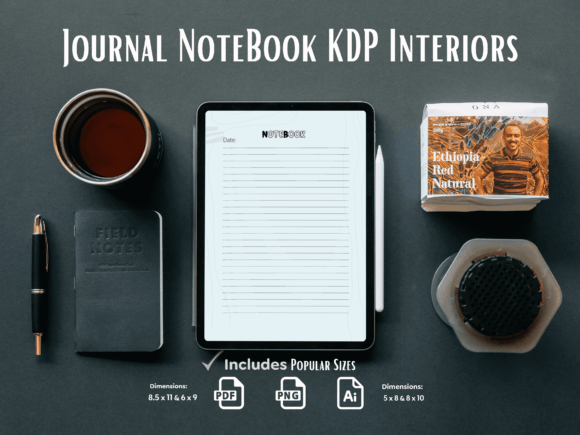
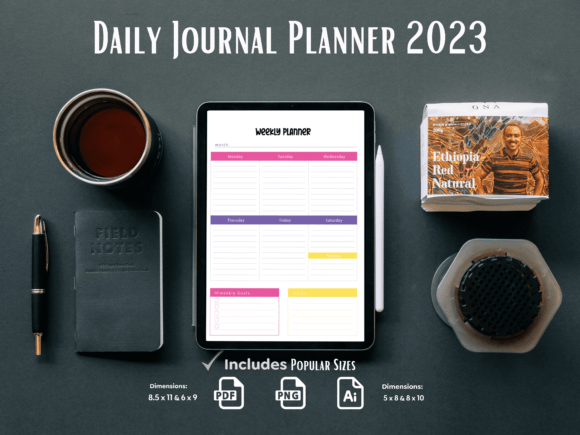
Let’s move past the listing and talk concretely about what you get. This package delivers multi-format assets for the most popular KDP trim sizes.
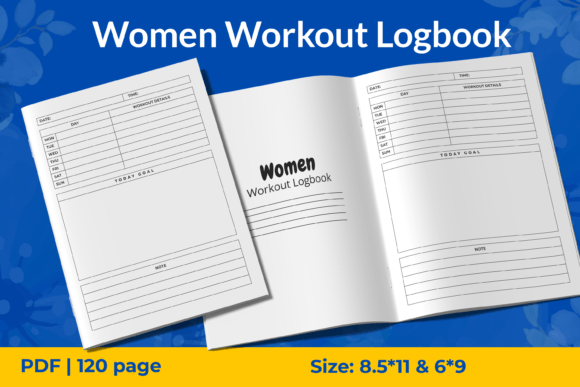
- PDF Files Ready To Upload: These are the final, print-ready files for KDP. They are tested in the KDP Previewer, meaning margins, bleeds, and page alignment have been checked for the specified sizes: 8.5 x 11, 6 x 9, 5 x 8, and 8 x 10. This is arguably the most valuable component, eliminating a major technical hurdle.
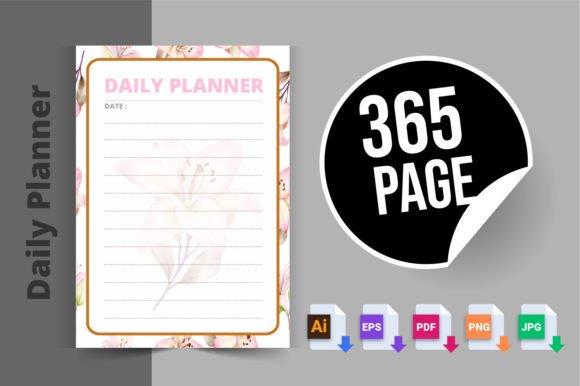
- PNG Files Ready To Upload: These provide the same layouts in a raster image format. They are useful for specific use cases, such as if you need to import individual pages into another program or for certain digital applications outside of strict KDP publishing.
- Ai Files (Editable Source Files): This is where true customization happens. The Adobe Illustrator source files allow you to change colors, adjust layouts, swap out elements, or even modify the typography. Having the editable source files means you can adapt the core design to better fit your specific brand or niche without starting from scratch.
The inclusion of multiple trim sizes is a strategic advantage. It lets you experiment with different market segments—from large, productivity-focused 8.5x11 planners to more portable 6x9 or 5x8 journals—without redesigning the interior for each size.
Where This Toolkit Fits in Your Creative Process
The audience for these files is broad, but their use is specialized. They are perfect for the entrepreneur or content creator who wants to publish a planner quickly without deep expertise in print design software. They're equally valuable for the experienced designer who wants a proven, compliant base template to customize, saving time on the foundational layout.
Consider these practical applications:
- Speed to Market: For bloggers or marketers launching a branded planner as a lead magnet or product, the ready-to-upload PDFs drastically shorten the production timeline.
- Consistency Across a Series: If you plan to release multiple planners (a financial planner, a health tracker, a project calendar), using the same 2023 Planner KDP Interiors framework ensures a cohesive, professional look across your entire line.
- Customization for Specific Niches: With the AI files, a crafter or hobbyist can insert custom illustrations or color schemes for a gardening planner, a knitting project tracker, or a meal-prepping journal. The underlying structure remains robust and tested.
The key is that these files handle the complex part—print-ready formatting—while leaving you room to inject your unique content and brand flavor.
How Professional Interiors Influence Perception and Usability
A well-structured interior does more than just look good. It directly impacts the user experience and, consequently, your product's reviews and reputation.
Readability is paramount. The typography and layout choices in these tested interiors are designed to guide the eye logically. Headings are distinct, checkboxes are clear, and writing spaces are ample. This visual hierarchy makes the planner intuitive to use. When a customer opens the book, they should feel guided, not confused.
This professionalism translates to brand perception. A sloppy, misaligned interior with poor spacing suggests an amateur product. A clean, tested interior—even if it's a template—suggests reliability and value. It helps build trust with your audience. For small business owners publishing their first physical product, this trust is crucial.
Furthermore, consistency in your design assets, from your website to your printables, strengthens brand recognition. Using a coordinated visual style, perhaps by extending the typography from these interiors into your marketing materials, creates a unified brand identity that feels deliberate and established.
Practical Steps for Implementation and Customization
Once you have the files, how should you proceed? Start with the end use.
First, evaluate the project fit. Look at the sample pages in the PDFs. Does the layout’s style—its calendar grids, note pages, trackers—align with your planner’s theme? A minimalist, corporate productivity planner might fit perfectly, while a vibrant, artistic journal might require more significant customization using the AI files.
If you plan to customize, begin with the editable source files. Open the AI file for your chosen trim size. Here, you can review the included modern typography. You might decide to keep the font pairings as they are, or you might swap the display font for one that better matches your brand’s voice. When testing new font pairings, ensure the new headings maintain a clear contrast with the body text for that essential visual hierarchy.
Always, always run a final check through the KDP Previewer. Even if you use the provided PDFs unchanged, upload them to previewer to see them as a digital flipbook. If you’ve made customizations in Illustrator, generate a new PDF and test it meticulously. This step catches any post-editing alignment issues and ensures your final upload will be successful.
The commercial licensing is typically clear for these digital assets—they are for your use in products you sell. However, always verify the specific license included with your purchase to understand any limitations, especially regarding redistribution of the *unedited* template files themselves.
A Realistic Approach for First-Time Publishers
If you’re new to KDP, a recommendation: start simple. Use the provided 6x9 PDF file for a first project. Populate it with your content, keep the design as-is, and focus on the marketing and launch. This lets you understand the publishing process without being overwhelmed by design software. For your second project, you can then dive into the AI files to create a variation, applying what you learned from your first launch.
The 2023 Planner KDP Interiors files offer a bridge. They provide the confidence of a tested, professional base while offering the flexibility to grow and customize as your skills and brand evolve. Their real-world value lies in that balance—between ready-made utility and creative adaptation.